
AI Email Subject Line Generator: Write Subject Lines That Get Opened
The subject line is the single line that decides whether your email gets opened or ignored — and it’s the hardest part to get right under time pressure. An AI email generator with a subject-line feature turns a short description of your email into a batch of ready-to-test subject lines in seconds. Rather than staring at an empty field, you feed it a topic and a tone, and an AI email subject line generator hands back several options you can compare and A/B test side by side.
What an AI Email Subject Line Generator Does
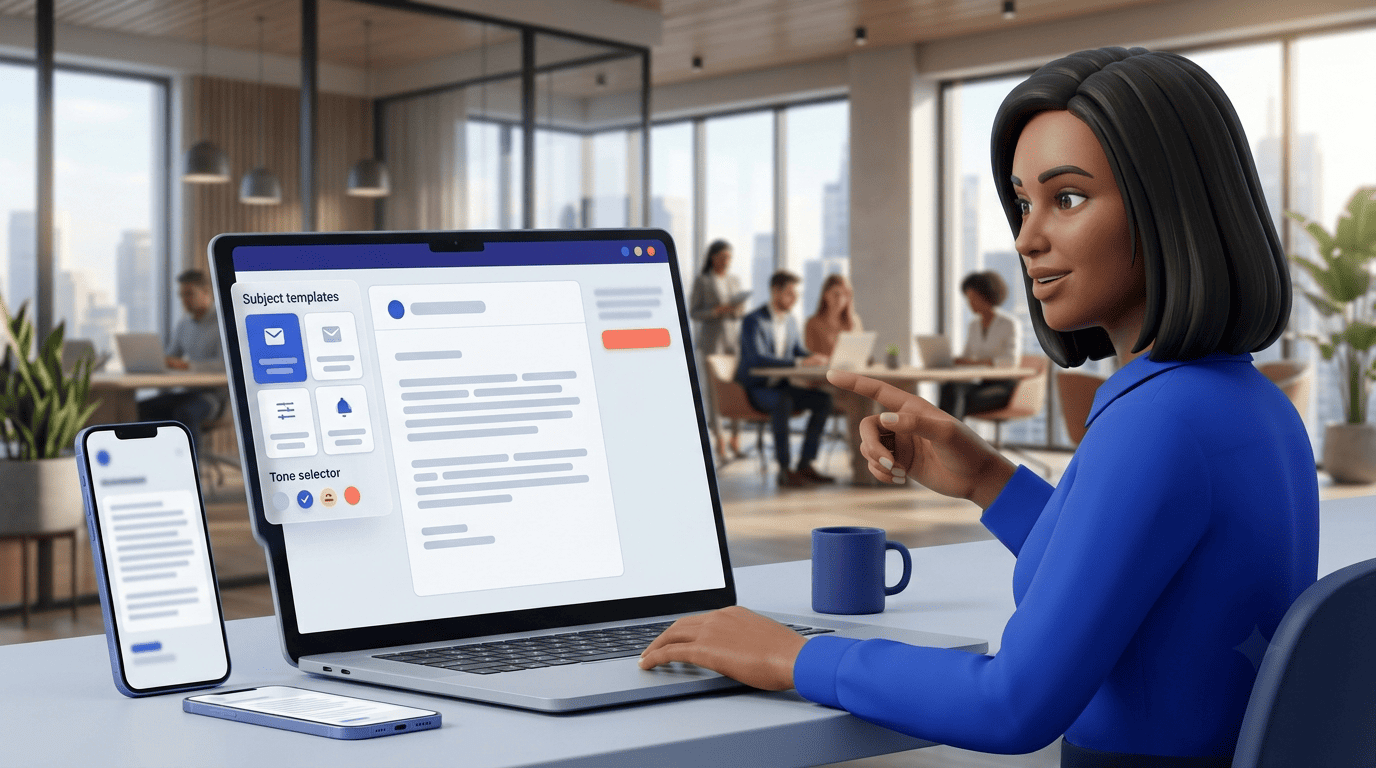
Under the hood, most tools work the same way: you describe what the email is about, pick a tone, and a GPT-based model turns that brief into a short list of finished subject lines. Some generators ask for five or more keywords plus a one-sentence idea; others just want a single line describing the campaign. Either way, the output is a set of options — not one «correct» answer — because the right subject line depends on the audience, the offer, and what you’re willing to test.
From a prompt to a batch of options
Type in the topic of your email — or five or more keywords plus a short idea of around 30-50 characters — choose a tone, and within roughly 15 seconds most generators return five or six finished lines, often with a button to generate five more. Many of these tools run on a GPT model and are free to use without creating an account. The point isn’t to hand you a single perfect line; it’s to give you enough raw material to choose from and test.
Why generate more than one
The best subject line is almost never the first one you’d write by hand. A generator removes the blank-page problem and gives you several distinct angles at once, so you’re picking between genuinely different options instead of tweaking one draft:
- Benefit-led — states what the reader gets.
- Curiosity-led — hints at information without giving it away.
- Urgency-led — signals a deadline or limited window.
- Number-led — leads with a specific figure or count.
- Question-led — poses a direct question tied to the topic.
That variety is what makes A/B testing possible in the first place: you need at least two credible candidates before a test means anything.
What Makes a Subject Line Actually Get Opened
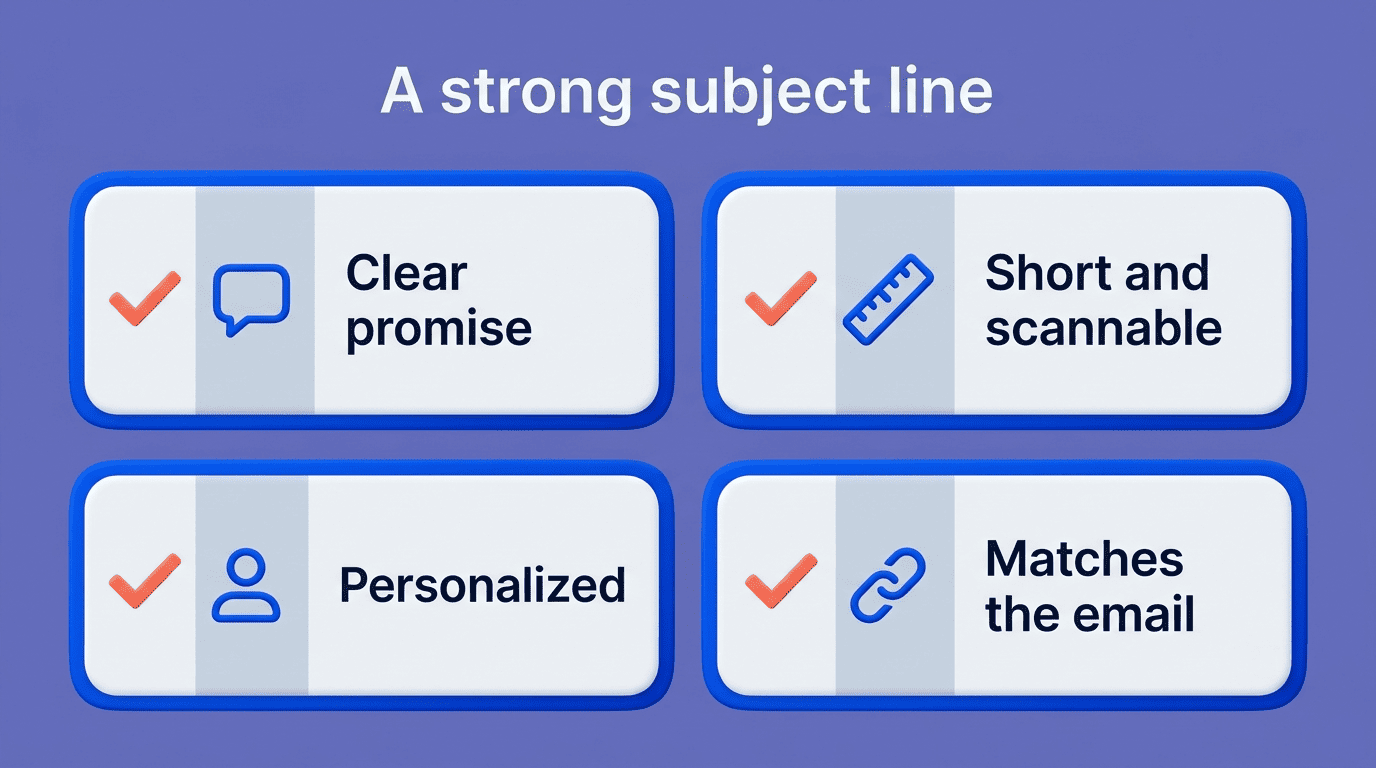
Open rate is the metric a subject line exists to move, and it responds to a small set of levers: clarity, length, and personalization. Getting these right matters enough that regulators weigh in directly — the FTC’s CAN-SPAM compliance guide makes clear that a subject line must not mislead the recipient about the email’s contents, which rules out clickbait as a real strategy even when it briefly lifts opens.
Clarity beats cleverness
Nielsen Norman Group’s research on email usability found that people scan their inbox in fractions of a second, deciding almost instantly which messages are worth a click. As the group puts it in its research on email usability:
Clear, recognizable sender information and a well-written, descriptive subject line give users the information that they need to make an informed decision.
Nielsen Norman Group
A vague, «clever» line forces the reader to open the email just to find out what it’s about — and most won’t bother. A good AI subject line generator defaults to options that name the benefit up front, which lines up with what the research recommends: inform the reader, don’t make them guess.
Keep it short — especially on mobile
Most guidance converges on the same rough range: aim for under 60 characters, or roughly 6-10 words. On a phone screen, only about the first 33-38 characters typically show before the line gets cut off, and a large share of email opens now happen on mobile devices, so the words that matter most need to sit at the very start of the line.
Personalize beyond the first name
Personalization lifts open rate, but the effect is stronger when it goes past inserting a first name — referencing a recent action, a location, or a specific interest tends to outperform generic name-drops. Personalization also came up as one of the top challenges marketers reported in Litmus’s State of Email research, alongside a rising reliance on AI tools for content generation. Reported lift figures vary a lot by source and by audience, so treat any single percentage as a directional signal rather than a guarantee for your list.
Emojis, Numbers, and Questions: What the Data Says
Three small formatting choices — a question mark, a digit, or an emoji — show up constantly in subject-line advice, and the aggregated marketing data behind each one tells a slightly different story.
| Element | Reported effect | Caveat |
|---|---|---|
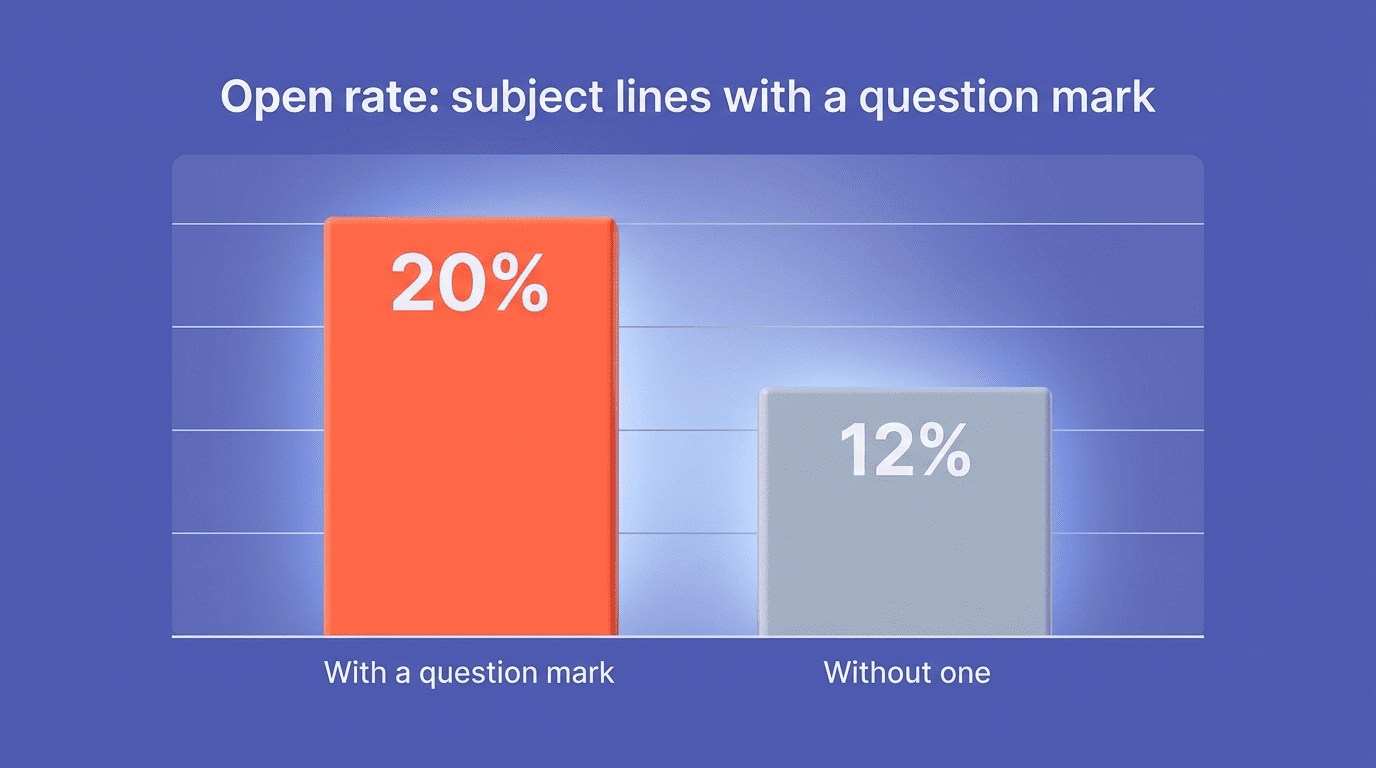
| Question mark | ~20% open rate vs. ~12% without one | Aggregated marketing benchmark, not a universal rule |
| Numbers/digits | Tend to open more than spelled-out or vague phrasing | Works best when the number is specific (a count, a percent, a date) |
| Emoji | Vendors report gains as high as +56% in unique opens | B2B, finance, and enterprise audiences often see emoji hurt opens |
The question-mark and number effect
A subject line phrased as a question has been reported to pull in around a 20% open rate against roughly 12% for a flat statement covering the same topic — a gap large enough that it’s worth testing on your own list rather than taking on faith. Numbers behave similarly: a concrete figure («3 changes,» «12% lift») tends to out-open a vague claim («some updates»). Treat both patterns as aggregated marketing data, not a fixed rule — audience and category still decide the outcome.
Emojis: helpful, but audience-dependent
Some email platforms report unique-open gains as large as +56% when a relevant emoji is added to a subject line, but that number comes from vendor-reported campaign data and should be read as an upper bound, not a typical result. For B2B, financial, or enterprise audiences, an emoji in the subject line frequently does the opposite and drags opens down. The safer default — mirrored across most deliverability guidance — is a maximum of one emoji and no more than three punctuation marks in a single line, since stacking symbols is also a common spam-filter trigger. This is exactly where it helps to generate emails with AI: ask for one strictly professional variant and one casual, emoji-friendly variant, then test both against your actual list instead of guessing which style your audience prefers.
Test, Don’t Guess: A/B Testing Subject Lines
Every rule above is a starting point, not a guarantee — the only way to know what works for a specific list is to test it. Subject-line testing tools built on data from hundreds of millions of sent emails exist precisely because aggregate benchmarks only get you so far; your audience’s behavior is the real tiebreaker.
How an A/B test works
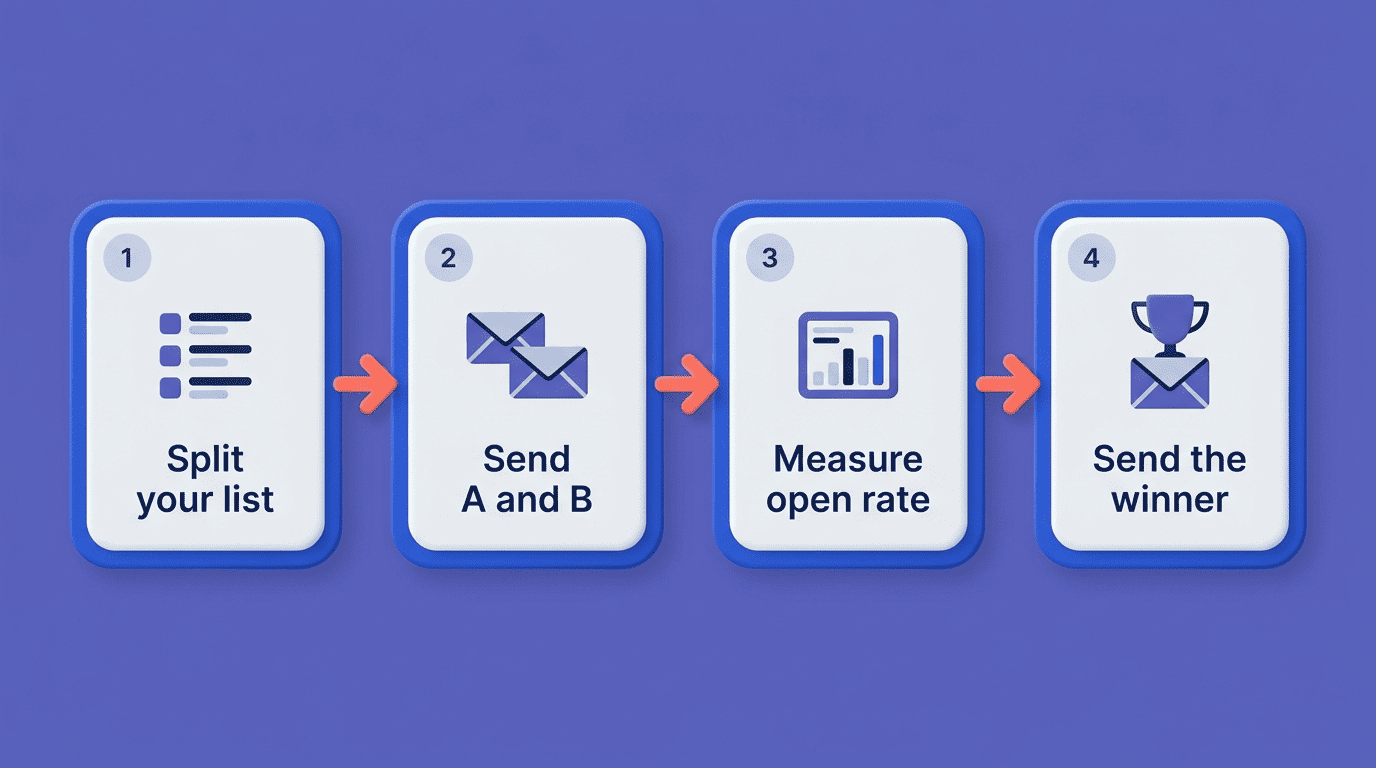
- Split your recipient list into at least two comparable segments.
- Send subject line A to the first segment and subject line B to the second.
- Let the test run long enough to capture a meaningful open-rate difference (typically a few hours to a day).
- Compare open rate between the two segments.
- Send the winning subject line to the remaining, untested portion of the list.
- Log the result so the next campaign starts from what you already learned.
An AI email subject line generator feeds this process directly — instead of writing one subject line and hoping, you generate a batch, pick your two strongest contenders, and run the test with real options instead of a single guess.
Mistakes That Kill Open Rates
Even a well-written subject line can backfire if it sets up the wrong expectation or trips a spam filter before a human ever sees it.
Clickbait and misalignment
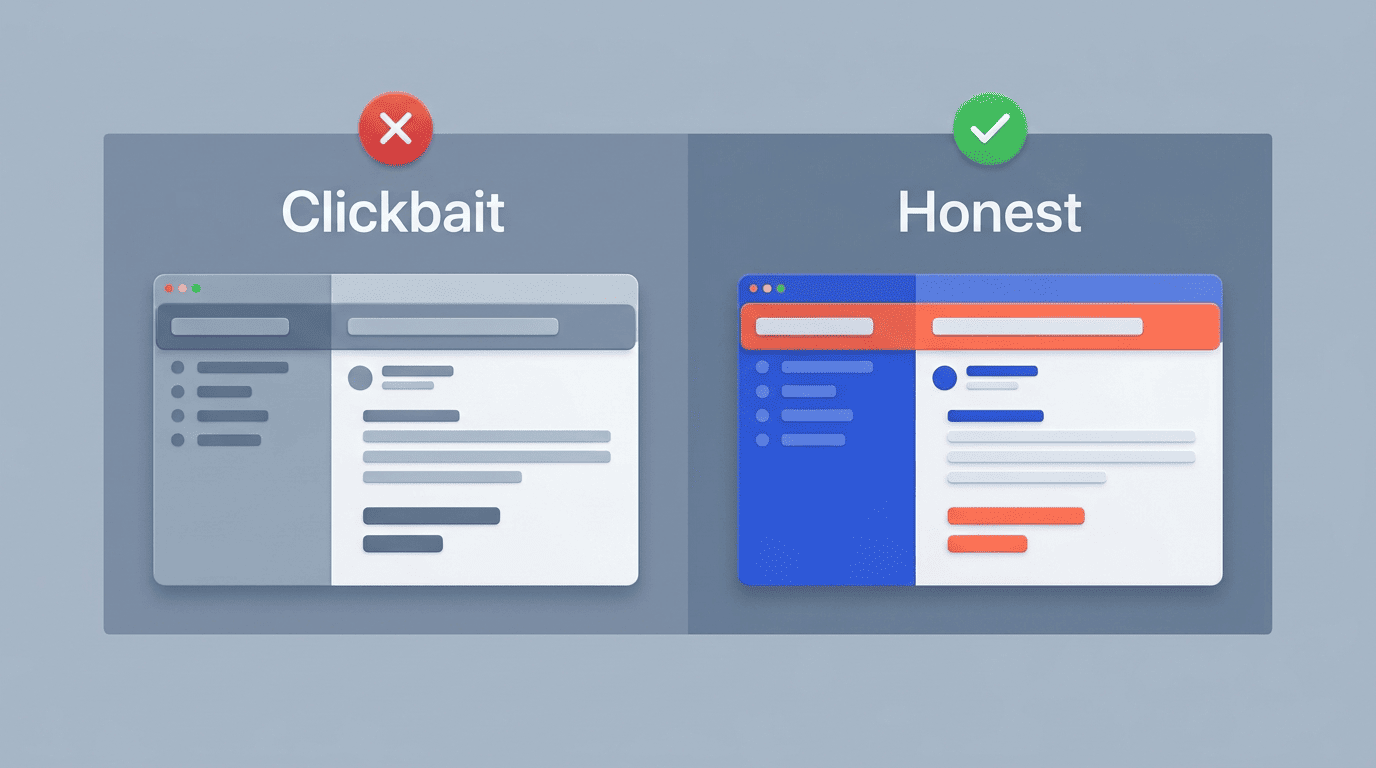
The most damaging mistake is a subject line that promises something the email doesn’t deliver. When the subject and the body don’t match, unsubscribe rates can climb toward roughly 30%, and a majority of recipients — commonly cited around 69% — say they’ll mark an email as spam based on the subject line alone, without reading further. A few habits make this worse:
- Writing in ALL CAPS, which reads as shouting and is a common spam-filter trigger.
- Faking a reply thread with «Re:» or «Fwd:» on a first-touch email.
- Stuffing in classic spam trigger words («free,» «guarantee,» «act now») without context.
- Letting the subject line describe one offer while the body pitches another.
A good AI email generator online writes the subject line and the body together from the same brief, which keeps the two aligned by default instead of leaving that consistency check to you.
| Do | Instead of |
|---|---|
| Lead with the actual benefit or offer | A vague teaser that hides the topic |
| Match subject and body content | A subject that oversells what’s inside |
| Use at most one emoji, tested first | Stacking multiple emoji or symbols |
| Keep the core message in the first 33-38 characters | Front-loading filler words before the point |