AI Email Generator Free: Where It’s Actually Free, How It Works, and What to Expect
Yes — a genuinely free AI email generator turns a one-line prompt into a ready-to-send email in seconds, no writing skill required. But not every tool labeled «free» means the same thing: some are free forever, some cap you at a handful of drafts a day, and some are a trial in disguise.

This guide breaks down what «free» actually covers, how a free AI email writer works under the hood, its usage limits and privacy trade-offs, and how it differs from opening a general chatbot and typing a prompt yourself.
What «Free» Really Means in an AI Email Generator
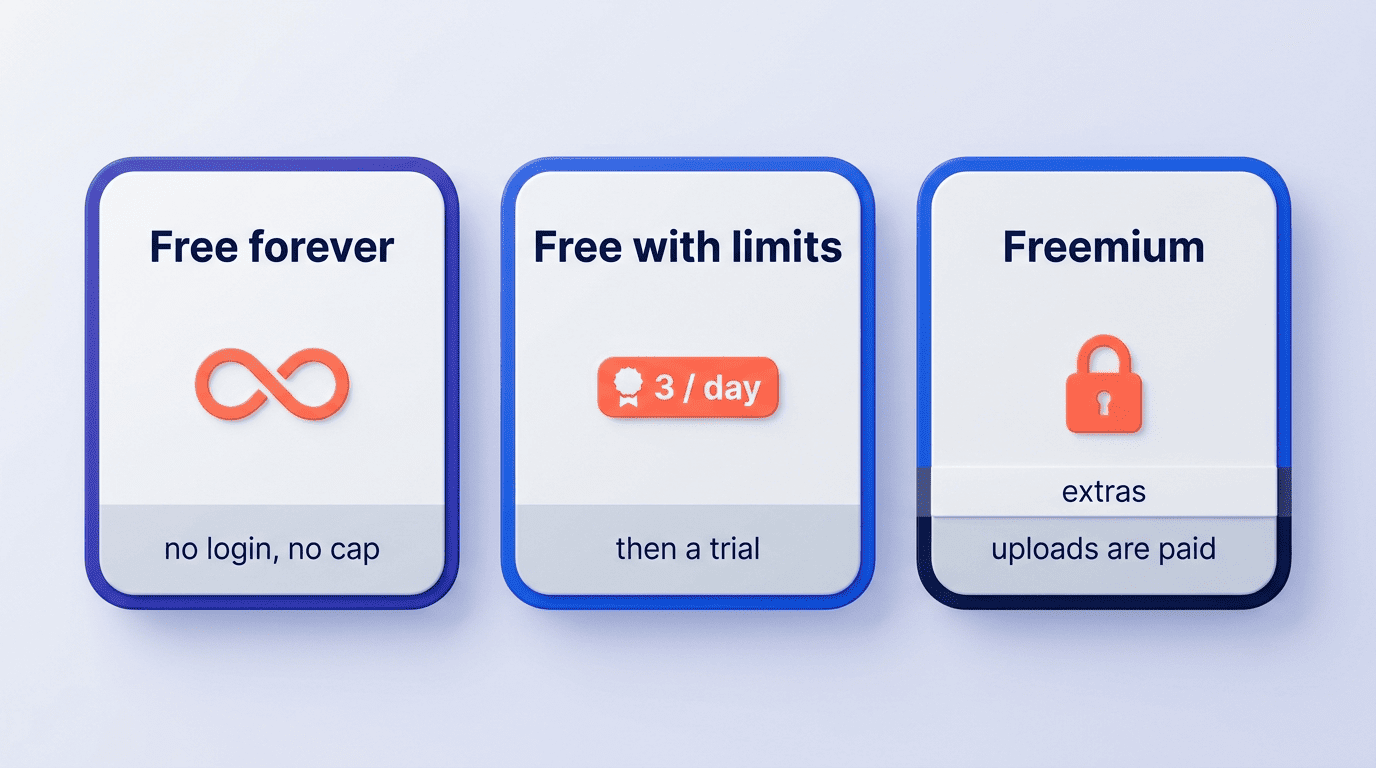
«Free» is doing a lot of work in most product pages, and it covers at least three different business models. Knowing which one you’re looking at saves you from hitting a paywall mid-draft.
| Model | What it means | Example behavior |
|---|---|---|
| Free forever, no login | No account, no card, no cap | Unlimited generations in the browser |
| Free with limits | Free tier capped, paid tier unlimited | A few free uses per day, then a trial |
| Freemium | Core generation free, extras paywalled | Free text output, paid file/image uploads |
Free forever vs. free trial vs. freemium
Three models cover almost every tool on the market. The first is free forever with no login: Mailmeteor states it is «100% free. No sign-up, credit card, or usage quota,» Quillbot offers unlimited generations with no sign-up required, and Undetectable.ai advertises «no account, no credit card required, and no usage limits.» The second is free-with-limits: HelpDesk gives 3 free uses per 24 hours, then offers a 14-day trial (no credit card) for unlimited access. The third is freemium: Toolsaday lets anyone generate email text for free but reserves file and image uploads for its Pro, Ultra, and Max tiers. The lesson for anyone comparing tools: check whether «free» means forever, capped, or a trial before you build a workflow around it.
No sign-up / no login — is that real?
Yes, for many tools. Several generators run entirely in the browser with no account required — you open the page, type a prompt, and get a draft. The trade-off is that no login usually means no saved history and no per-user personalization across sessions. An AI email generator built around this model keeps the barrier to entry at zero: free to start, no forced account creation before you see a single draft.
How a Free AI Email Generator Works
Under the surface, every one of these tools follows the same basic pipeline, even when the interface looks different from one product to the next.
From one-line prompt to finished draft
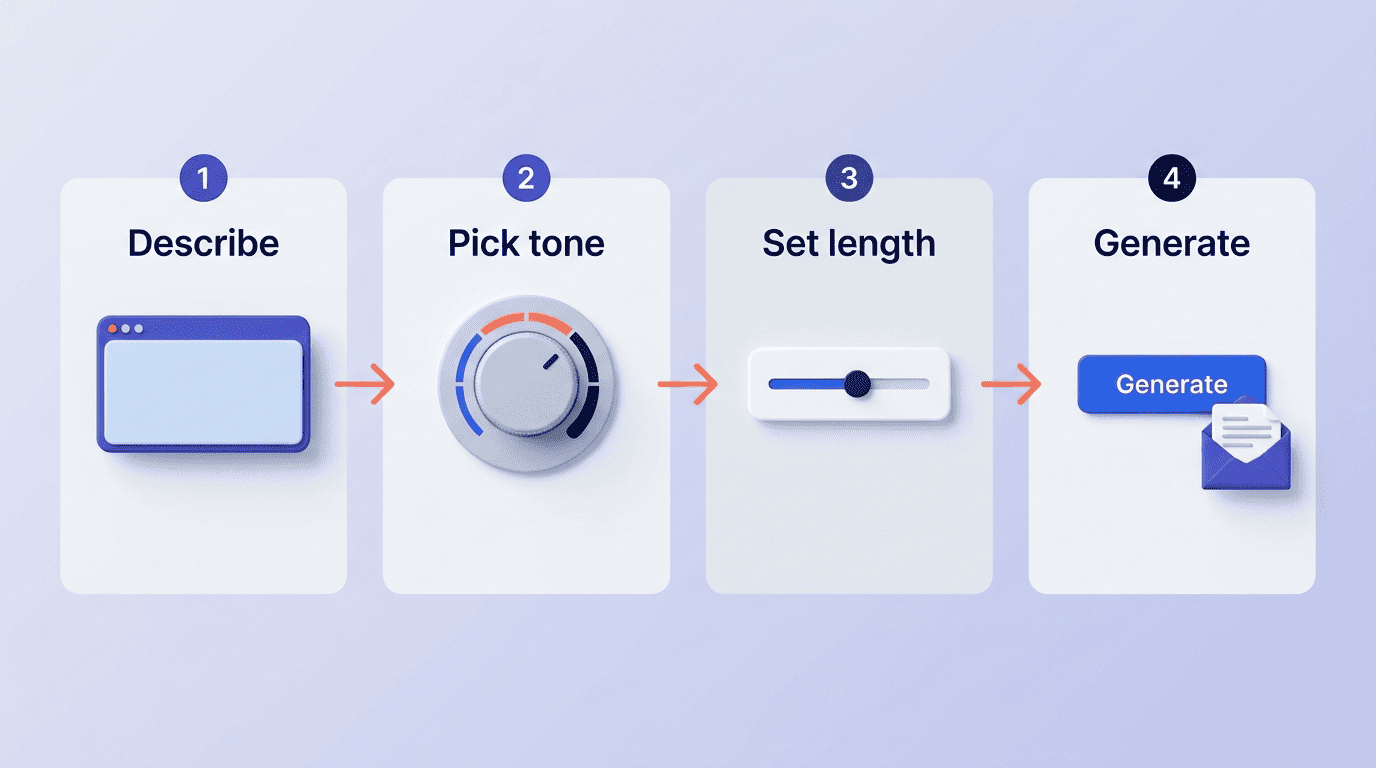
The mechanics come down to four steps: describe the email in plain language («follow up after a missed meeting»), pick a tone, set a length, and generate. Under the hood, the tool runs on a large language model (LLM) — HelpDesk describes its engine as combining «natural language processing (NLP) and machine learning» to turn a short instruction into a full draft. One thing doesn’t change no matter which generator you use: you still supply the facts — names, dates, numbers — the AI writes the wording, not the truth.
Here is the typical flow from prompt to a send-ready draft:
- Open the generator and describe the email in a sentence or two.
- Choose a tone preset (formal, friendly, direct, and so on).
- Set a target length, from a short note to a multi-paragraph message.
- Generate the draft.
- Review the output against the facts you actually meant to include.
- Edit any specifics the AI couldn’t have known (dates, names, numbers).
- Copy into Gmail, Outlook, or your email client and send.
Tone, length and language controls
The controls are what separate a purpose-built email tool from a blank prompt box:
- Tone presets — formal, friendly, polite, direct, sales, informative, and casual.
- Length control — from a 3-sentence note or «under 80 words» up to a longer 50-500 word message.
- Multi-language support — English, Spanish, French, German, and more, so the same generator can draft outreach in a recipient’s native language without a separate translation step.
Together, these controls are what let the same underlying model produce a curt internal update or a warm client note without the user rewriting the prompt from scratch.
Free AI Email Generator vs. ChatGPT
A fair question once you’ve tried a dedicated tool: why not just ask ChatGPT? The answer is in the interface, not the underlying model.
- Preset business tones instead of describing tone in a prompt every time.
- A length control instead of guessing how to phrase «make it shorter.»
- Paste-to-reply for an incoming message, instead of copying context manually.
- Email-ready formatting — greeting, body, sign-off — out of the box.
- No prompt engineering required to get a usable first draft.
Purpose-built beats a blank prompt box
ChatGPT can absolutely write an email — the model behind it is more than capable. What a dedicated generator removes is the prompt-engineering step: preset business tones, length sliders, paste-to-reply for a message you received, and formatting that’s already email-ready. For someone who doesn’t want to learn how to phrase a good prompt, that convenience is the entire difference.
What the research says about writing with AI
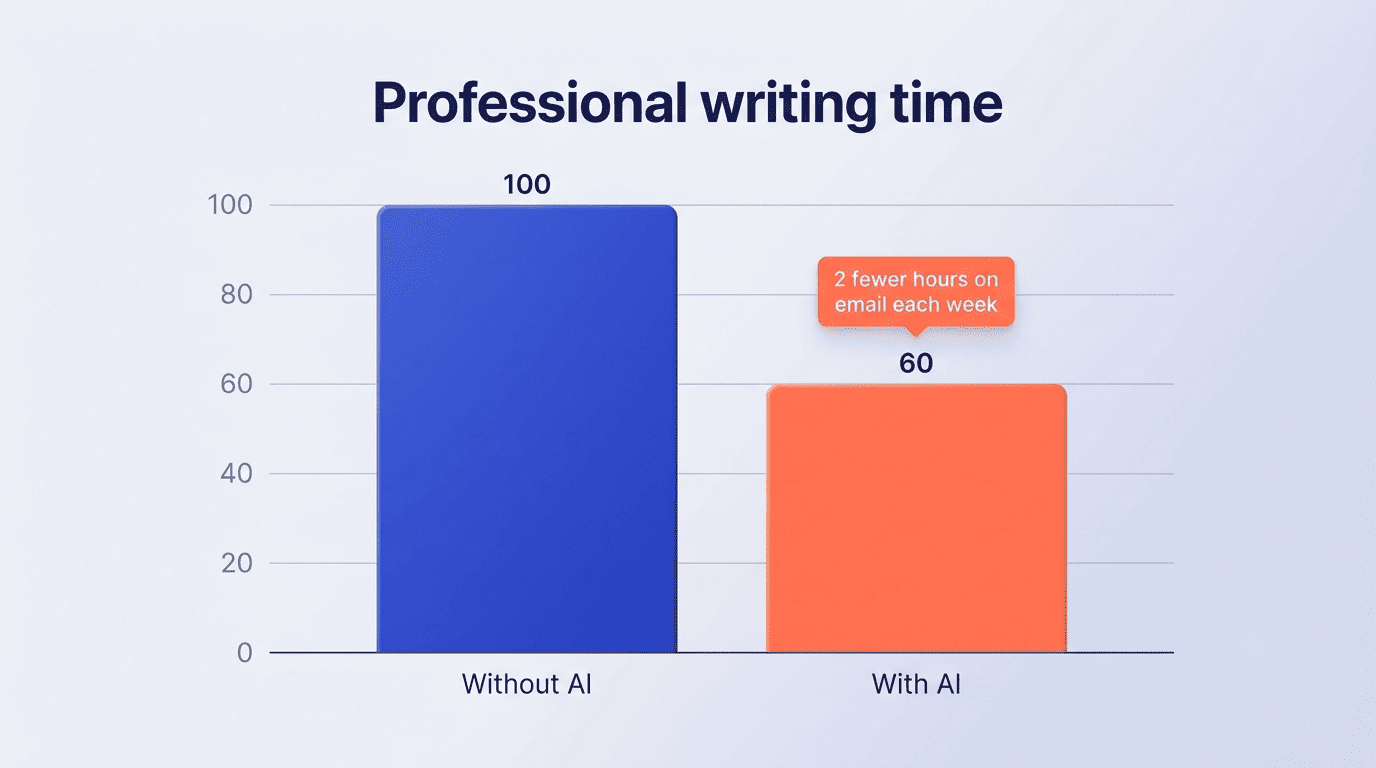
The productivity case for AI writing tools isn’t just marketing copy — it has been measured in controlled studies. A Microsoft-Harvard randomized study, «Shifting Work Patterns with Generative AI», found the time savings are concrete: the authors report that «the 80% of treated workers who used this tool spent two fewer hours on email each week and reduced their time working outside of regular hours.»
The 80% of treated workers who used this tool spent two fewer hours on email each week and reduced their time working outside of regular hours.
Dillon, Jaffe, Immorlica & Stanton, «Shifting Work Patterns with Generative AI»
Separately, an MIT experiment published in Science found that using ChatGPT for professional writing tasks cut completion time by about 40% while raising output quality. Put together, the evidence points to a real, quantifiable time saving rather than a hyped-up claim — which is exactly the pitch behind a dedicated AI email generator: purpose-built speed on top of the same underlying capability.
Email Types a Free Generator Handles
A free tier isn’t limited to one kind of message — most generators are built to cover the full range of everyday business email.
Cold outreach, follow-ups, replies and more
A free generator typically covers:
- Cold outreach and sales emails — a first-touch message built around a value proposition, without staring at a blank page.
- Follow-ups and meeting requests — nudging a prospect or scheduling a call.
- Customer-support replies — routine requests answered in a consistent tone.
- Thank-you and networking notes, job applications, apologies, and payment reminders.
Reply generation — often called paste-to-reply — works differently: you paste in the email you received, and the generator produces a matching response in the tone you choose.
Limits, Privacy and When to Double-Check
Free doesn’t always mean unlimited, and free doesn’t always mean private-by-default. Both deserve a quick check before you build a daily habit around any tool.
Usage limits on free tiers
Free tiers vary by provider: some are unlimited (Mailmeteor, Quillbot, Undetectable.ai), while others are capped, like HelpDesk’s 3 free generations per 24 hours before a trial or paid plan kicks in. If you send email in volume — recruiting outreach, sales sequences, daily support replies — check the cap before you rely on a single AI email writer for everything.
| Free-tier behavior | What it looks like |
|---|---|
| Unlimited free | No daily cap, no card required |
| Capped free | A fixed number of generations per day (e.g. 3/24h) |
| Trial-gated | Free tier plus a time-limited full-access trial |
| Freemium extras | Text generation free, uploads/exports paywalled |
Privacy and the human-review rule
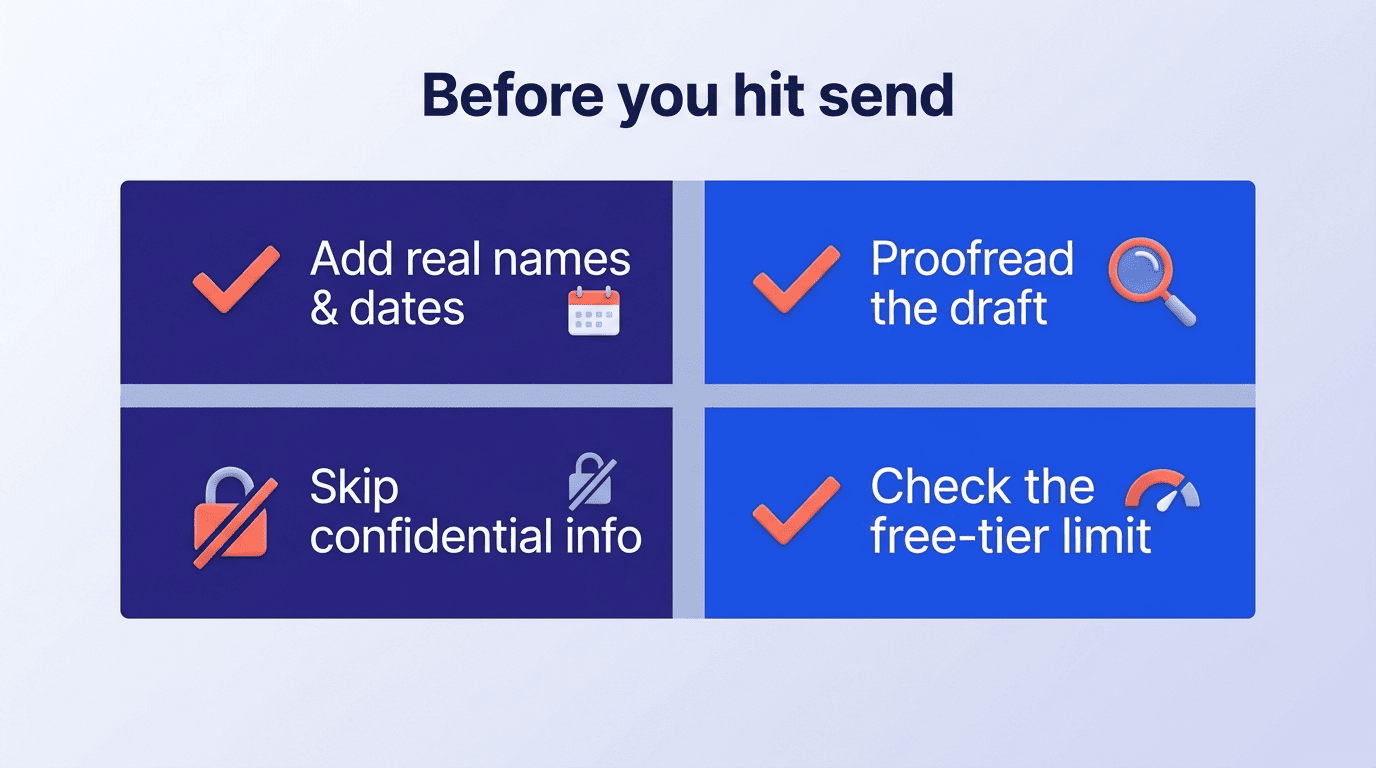
The practical rule across every tool: always review a draft before sending. AI can miss specifics or invent details you didn’t actually supply, and it has no way to verify facts on its own. Avoid using AI drafts as-is for legal, medical, financial, HR, or otherwise confidential messages, where nuance and liability matter — treat the draft as a starting point, not a final answer. On the quality side, the evidence is encouraging: a Harvard Business School and Boston Consulting Group field experiment, «Navigating the Jagged Technological Frontier», found that consultants using AI on tasks within its capability produced measurably higher-quality work — support for the idea that AI-assisted drafts, reviewed properly, can raise output quality rather than just save time.